

Description
Download Proton Pass APK – password manager, secure login, end-to-end encryption, password generator, two-factor authentication, digital vault, password analyzer, Proton Pass APK, Proton AG
Overview
Proton Pass is a subscription-based security and privacy application developed by Proton AG, designed to provide users with a secure and reliable method for managing digital credentials. As part of the Proton ecosystem, which includes Proton Mail, Proton VPN, and Proton Drive, Proton Pass emphasizes privacy through advanced cryptographic protections. The software functions as a digital vault, storing login information, usernames, web addresses, and encrypted notes with end-to-end encryption. This ensures that data remains inaccessible to third parties, including the service provider itself, offering a high level of protection against cyber threats and unauthorized access.
The application is particularly suited for individuals who prioritize online privacy and require robust tools to manage complex credentials across multiple platforms. It supports secure login workflows, password generation, and two-factor authentication, making it ideal for both personal and professional use. While Proton Pass is currently in a closed beta phase, access is restricted to Proton Lifetime and Visionary members, indicating a focus on early adopters and premium users. Real-world scenarios include managing credentials for email, banking, social media, and cloud services with confidence in data integrity and confidentiality.
Key Features & Capabilities
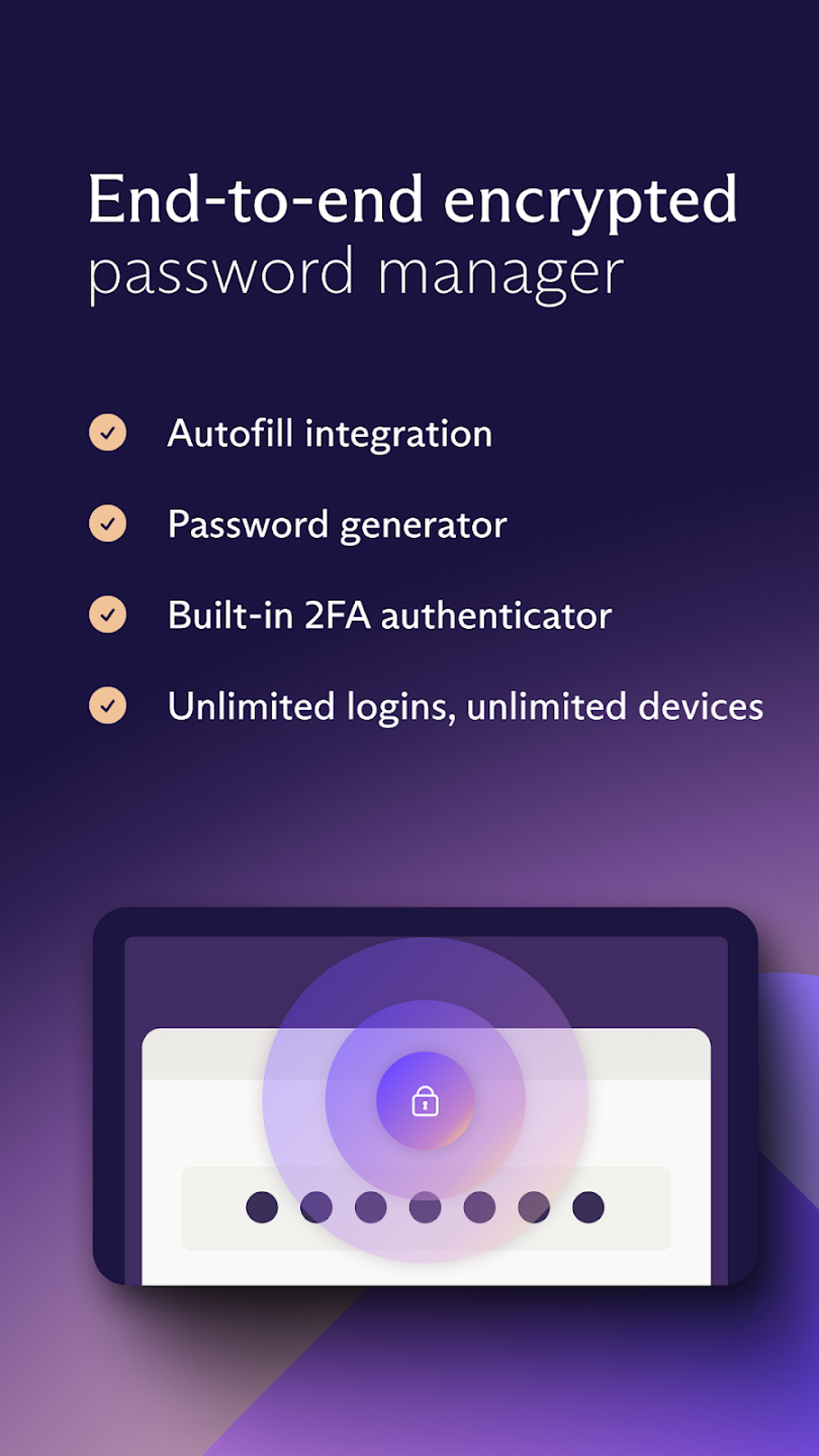
- End-to-end encryption – All data stored in the digital vault is encrypted using AES-256, a military-grade standard, ensuring that only the user can access their information.
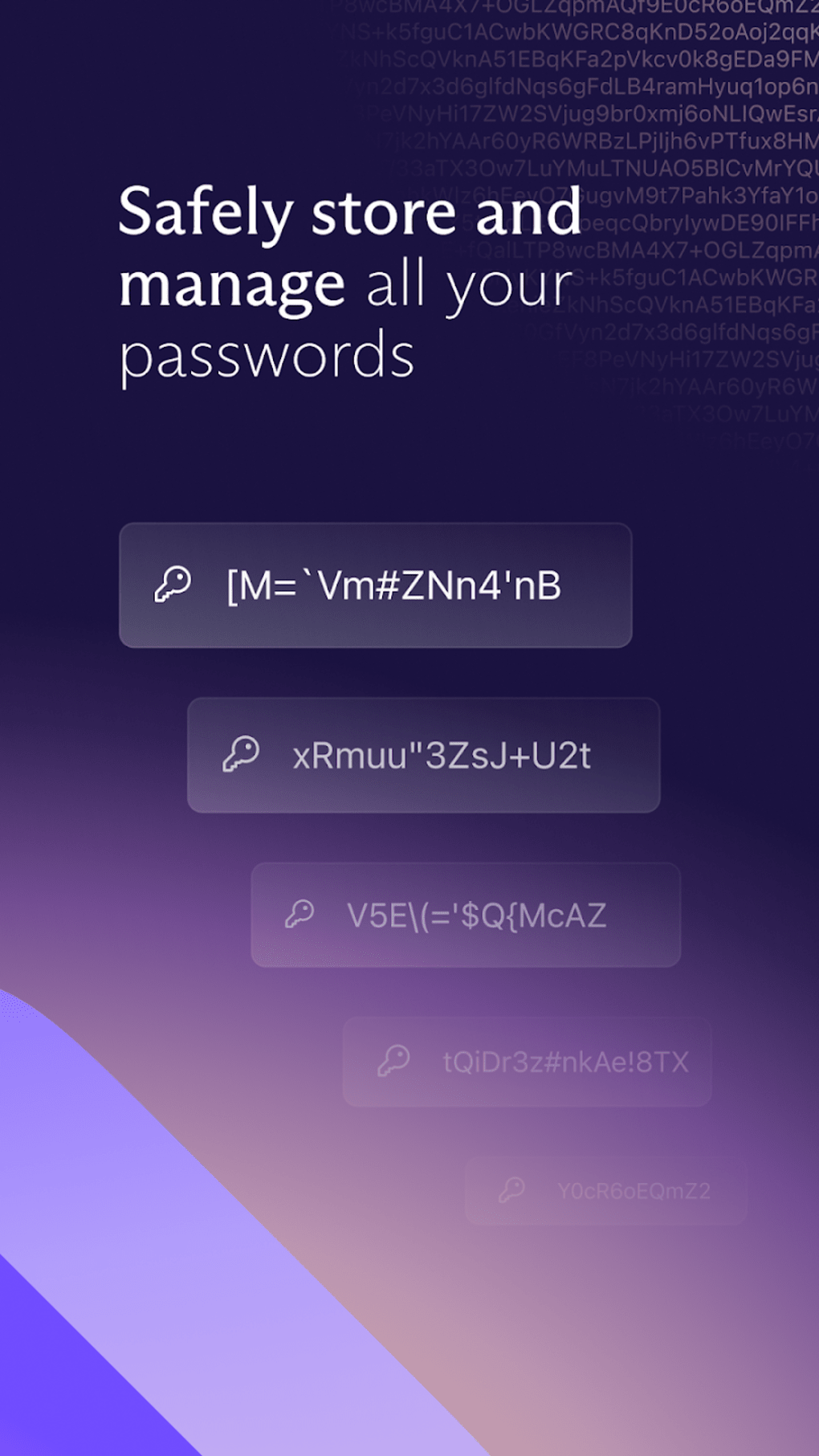
- Password generator – Automatically creates strong, complex passwords with customizable parameters, reducing the risk of weak or reused credentials.
- Password analyzer – Evaluates the strength of existing passwords and provides recommendations for improvement to enhance overall account security.
- Two-factor authentication support – Adds an extra layer of security by requiring a second verification step during login, minimizing the risk of unauthorized access.
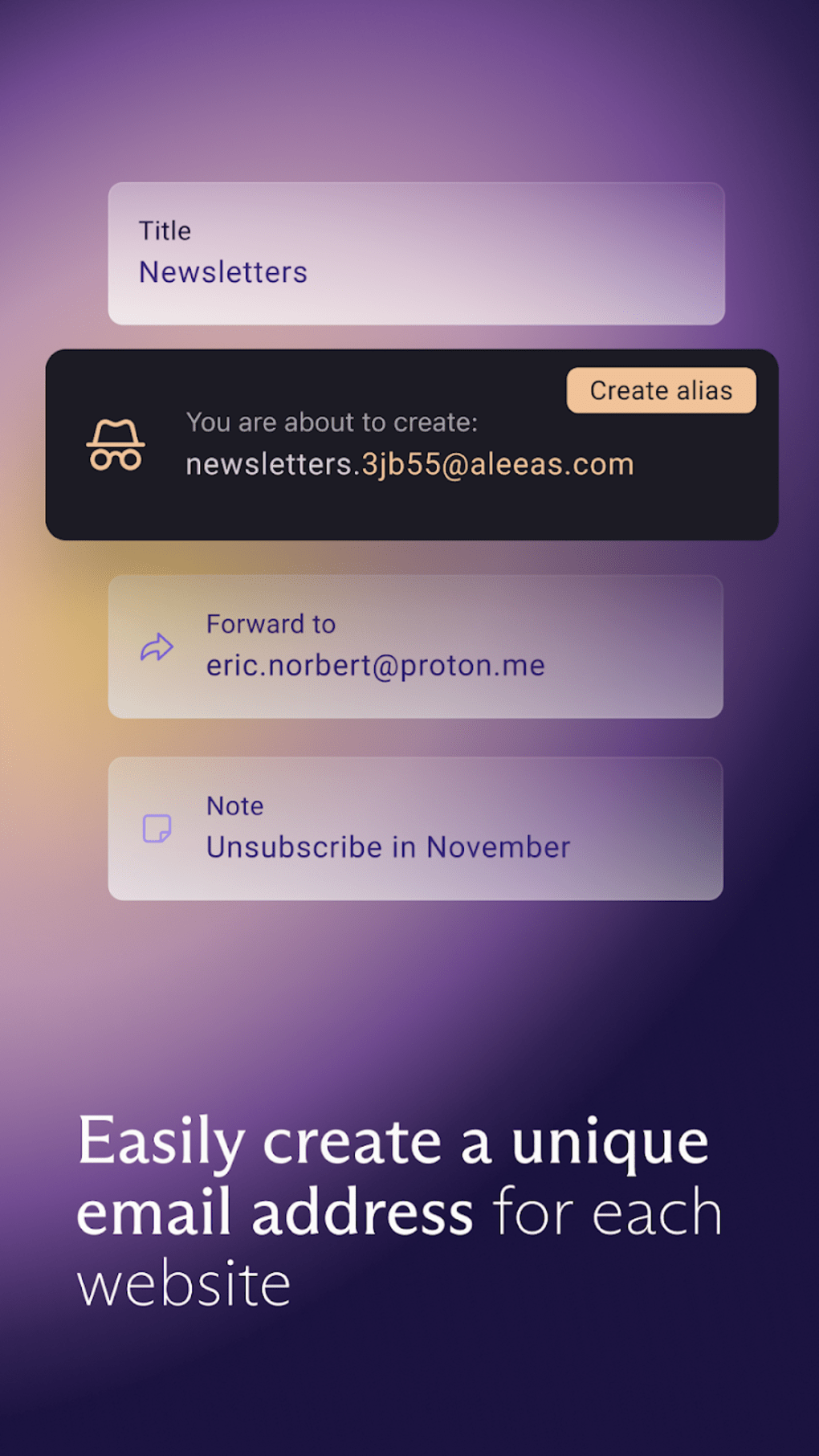
- Digital vault management – Centralized storage for logins, notes, and aliases, allowing users to organize and retrieve sensitive information securely.
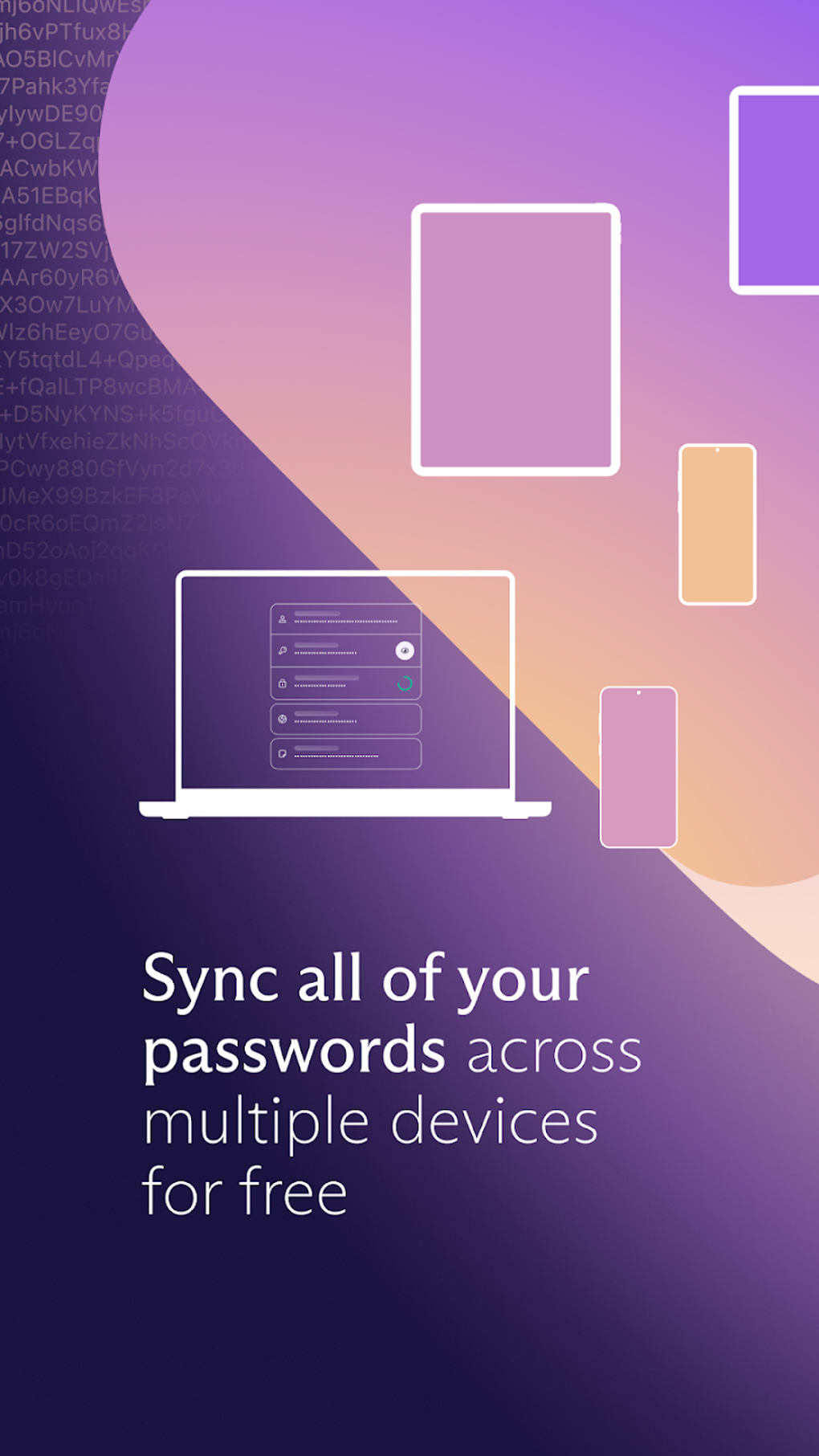
- Secure cross-device sync – Enables access to credentials across devices while maintaining encryption integrity, ensuring data consistency without compromising privacy.
These features collectively address common cybersecurity challenges such as password reuse, weak credentials, and data breaches. For example, users can generate unique passwords for every online account and store them safely without memorization. The password analyzer helps identify vulnerable passwords, while two-factor authentication protects against account takeovers. The digital vault acts as a secure repository, simplifying credential management for users across multiple platforms.
User Interface, Workflow & Performance
Proton Pass features a clean and intuitive user interface designed for ease of navigation, even for non-technical users. The layout emphasizes clarity and functionality, with clearly labeled sections for logins, notes, and aliases. Navigation is streamlined, allowing users to quickly access stored credentials, generate new passwords, or analyze existing ones with minimal clicks.
Workflow efficiency is enhanced through direct integration with web browsers and mobile apps, enabling one-click autofill and secure login. The application maintains a consistent experience across devices, supporting seamless transitions between mobile and desktop environments. While performance details such as CPU or RAM usage were not specified, the app’s lightweight size of 32.7 MB suggests efficient resource utilization. Stability is expected to be high given its foundation in Proton’s established security infrastructure, though real-world performance may vary depending on device capabilities and network conditions.
Compatibility & System Requirements
Proton Pass is available for Android devices, with a current version of 1.0.0. The installation size is 32.7 MB, indicating a compact footprint suitable for most modern smartphones and tablets. The developer did not specify exact system requirements, including minimum Android version or hardware specifications. Platform compatibility information is limited to Android, and no details were provided about support for iOS, Windows, or macOS.
Users should ensure their device meets general Android compatibility standards for running secure applications. The absence of detailed system requirements means that compatibility may depend on the device’s operating system version and available storage space. It is recommended to verify device compatibility before installation, especially for older or low-spec devices.
Pros and Cons
Pros
- End-to-end encryption with AES-256 for maximum data security
- Integrated password generator for strong, unique credentials
- Password analyzer to identify weak or compromised passwords
- Support for two-factor authentication for added login protection
- Intuitive interface suitable for non-technical users
- Part of the trusted Proton ecosystem with a strong privacy focus
Cons
- Currently in closed beta, restricting access to Proton Lifetime and Visionary members
- Limited to Android; no official support for iOS, Windows, or macOS
- Exact system requirements not disclosed by the developer
- Subscription-based model with a one-time purchase price of $1.99
- Performance and resource usage details not publicly available
FAQ Section
Is Proton Pass available for iOS devices?
As of now, Proton Pass is exclusively available for Android. There is no official release for iOS devices, and no information has been provided about future support.
Is Proton Pass secure?
Yes, Proton Pass uses end-to-end encryption with AES-256 and bcrypt hashing to protect user data. All information is encrypted locally before being stored, ensuring that even Proton cannot access the contents of the digital vault.
How do I update Proton Pass?
Updates are managed through the Google Play Store. Users should ensure their app is set to auto-update or manually check for updates in the store to maintain access to the latest features and security patches.
Can I use Proton Pass offline?
Yes, Proton Pass can be used offline after initial setup and synchronization. Stored credentials remain accessible without an internet connection, although syncing changes requires connectivity.
What type of license does Proton Pass use?
Proton Pass operates on a subscription-based model. Access is granted through a one-time purchase of $1.99, which is tied to Proton Lifetime and Visionary membership tiers.
Final Thoughts
Proton Pass represents a strong entry in the password management space, combining robust security with a user-friendly design. Its foundation in end-to-end encryption, combined with features like password generation, analysis, and two-factor authentication, makes it a reliable choice for privacy-conscious users. While currently limited to Android and accessible only to select members, its integration within the Proton ecosystem enhances its credibility and long-term potential.
For individuals seeking a secure, easy-to-use password manager with advanced privacy protections, Proton Pass delivers significant value. Despite its current beta status and platform restrictions, its architecture and feature set demonstrate a clear commitment to security and usability. As Proton continues to expand its offerings, Proton Pass is poised to become a leading tool in digital identity protection.
Download Proton Pass APK now
Guides & Tutorials for Proton Pass APK
How to install Proton Pass APK
- Click the Preview / Download button above.
- Once redirected, accept the terms and click Install.
- Wait for the Proton Pass APK download to finish on your device.
How to use Proton Pass APK
This software is primarily used for its core features described above. Open the app after installation to explore its capabilities.
User Reviews for Proton Pass APK 0
No reviews found





